After long weeks of intending to, I eventually set up PostHog on some of my projects. The integration was more complex than I thought. This piece is all about my experience.
What is PostHog?
PostHog is an open source product analytics platform. You drop their JavaScript SDK into your app, and it captures events, page views, clicks, custom interactions, and sends all of it to PostHog's servers. From there, you get dashboards, session recordings, feature flags, and A/B testing, all from one integration. No more stitching together five different tools.
What I love about PostHog
The first thing that jumped out for me was their generous, and I mean generous, free tier. It's actually a free plan and not an X-day free trial.
With the free plan, you get all of the following for one project.
- Analytics, up to 1 million events
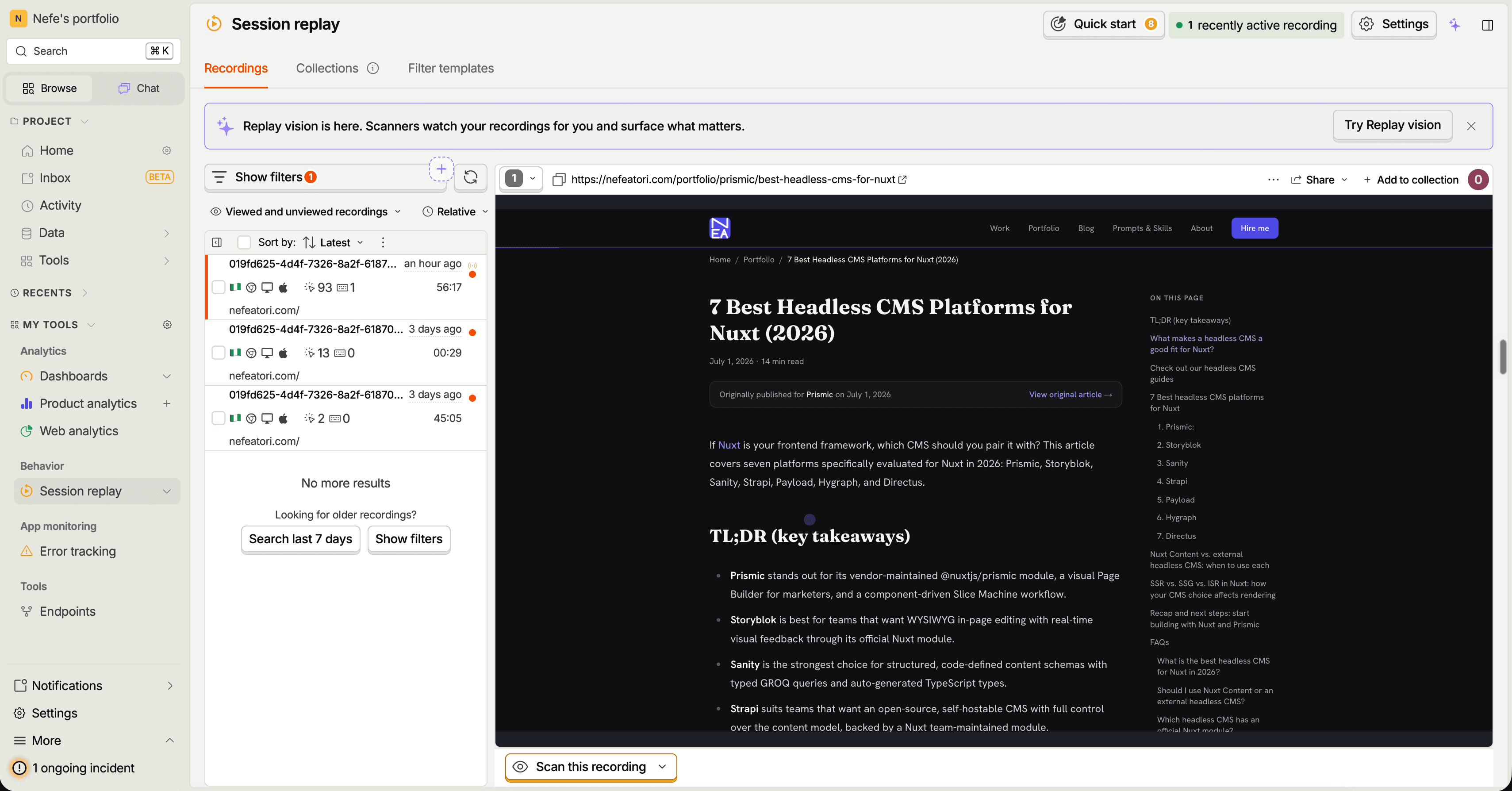
- Session replay, up to 5,000 recordings
- Feature flags, up to 1 million requests
- Error tracking, up to 100,000 exceptions
That's more than I'd need for my personal projects.
Then, next is usage-based pricing. Thanks to this model, I didn't need to pay for a subscription just so I could add more projects. I only needed to add my credit card.
The usage-based pricing is generous too. If you're a solo dev just doing some basic stuff, personal experimentation, and you don't have a lot of traffic and sessions, it's possible to pay almost nothing in perpetuity, which is exactly what I'm aiming for. Currently, I have three projects set up on PostHog.
Integrating PostHog into Next.js
Speaking of setting up, here's my experience.
PostHog offers two integration paths: a manual process where you install posthog-js yourself, initialize it, and write every event by hand, and a setup wizard that does most of that work for you. I went with the wizard.
The PostHog wizard
With this approach, you connect PostHog to your GitHub repo, and the wizard reads your actual codebase. It looks at your components and your routing and figures out where the meaningful interactions are, then it opens a real pull request in your repo with all the scaffolding already written.
One positively surprising part about the wizard is that it doesn't drop in one generic click event and call it done. I have a sermon archive built around helping people find and watch a sermon, and a portfolio built around getting someone to reach out. Based on the context the wizard got from studying each codebase, it generated events that actually fit.
- For the sermon archive, it created sermon_search_performed, sermon_filter_changed, and sermon_opened.
- For the portfolio, it created contact_initiated, portfolio_filtered, and prompt_copied.
The wizard doesn't stop you from adding your own events either. Once it's done its pass, dropping in a new one is just a function call wherever the action happens.
posthog.capture('contact_form_submitted', {
  subject: 'project_inquiry',
  source: 'hero_section',
})
If I'd gone the manual route, it'd have been a much more tedious process, deciding on my own what was worth tracking and writing every single capture call by hand.
A limitation of the wizard?
I may be looking at it from the wrong lens, but I was disappointed that even though the wizard generates a provider component, it never wires that component into your layout. You'd assume that since it created the file, it also wraps it around your app, but it doesn't.
This caused a long debugging session for Claude Code and me. "How did Claude Code miss that?" you ask. I wonder myself. I eventually asked the PostHog AI bot what could be the issue, and it gave me a few options that helped me spot and fix the error.
import PostHogProvider from '@/components/PostHogProvider'

export default function RootLayout({ children }) {
  return (
    <html lang="en">
      <body>
        <PostHogProvider>{children}</PostHogProvider>
      </body>
    </html>
  )
}
Without that one line, PostHog captures nothing, and there's no error telling you why. The app runs fine, the wizard's PR is merged, everything looks done, and you're tracking zero events.
Overall, it was a smooth integration process, and I'm excited about adding this to my projects. I'll be sharing more of my experimentation with PostHog over time.
P.S. If anybody from the PostHog team sees this, it would be great if there is a way to add dummy data to the dashboard so that people can play around with the different views, reports, etc. Especially if it's somebody who doesn't have as much data yet to begin with on their projects, that would be a really nice addition.